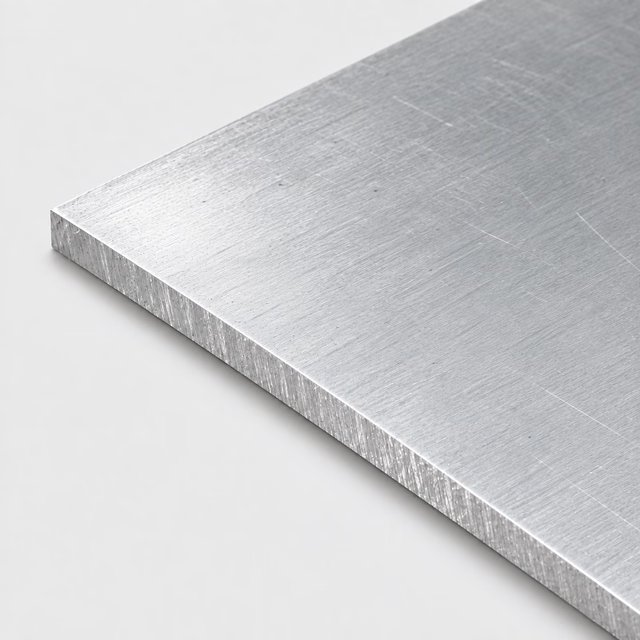
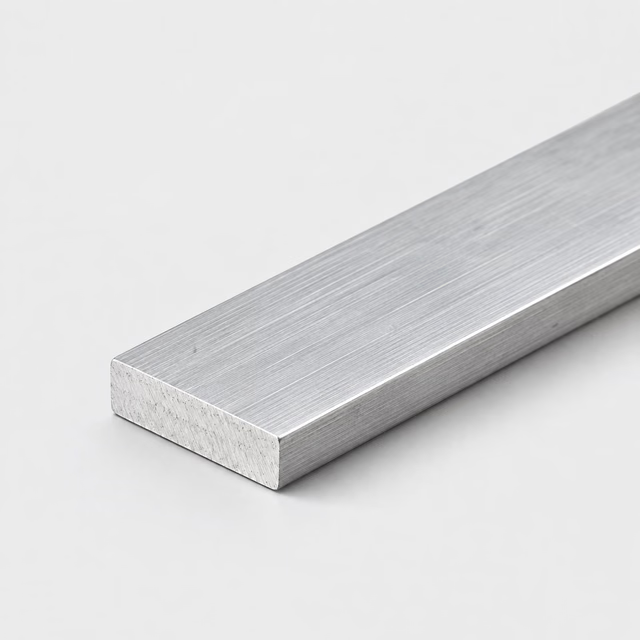
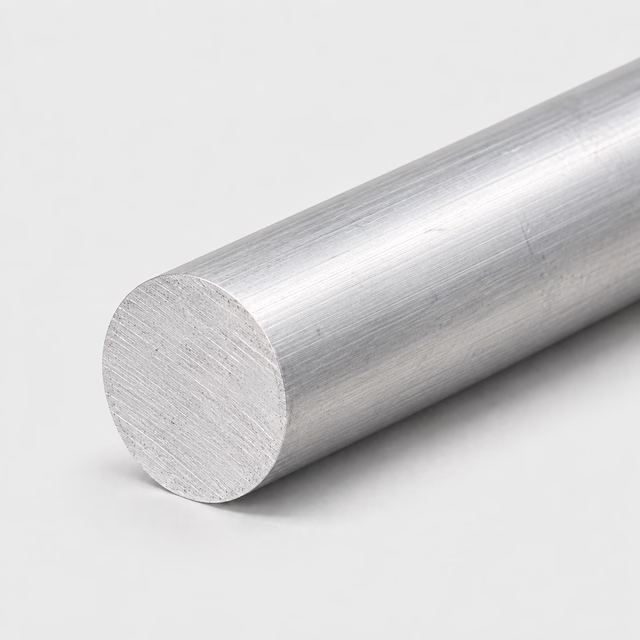
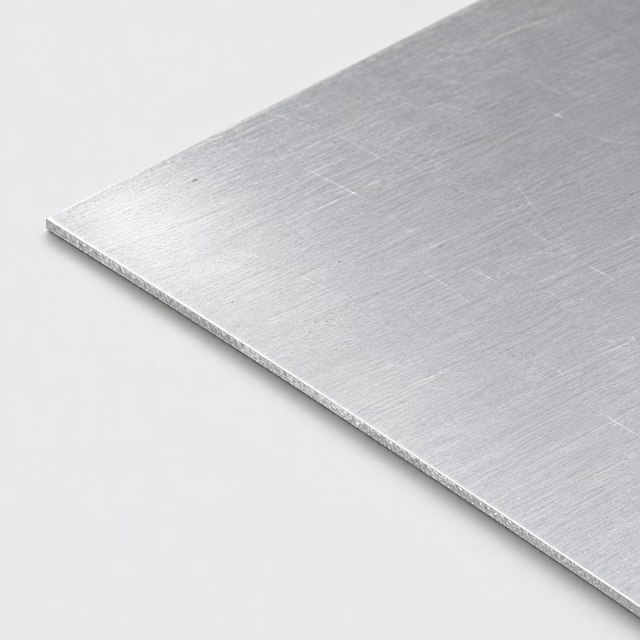
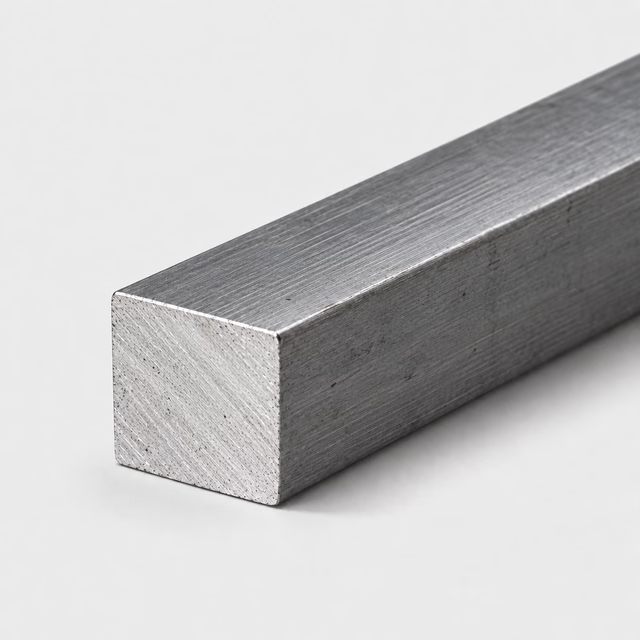
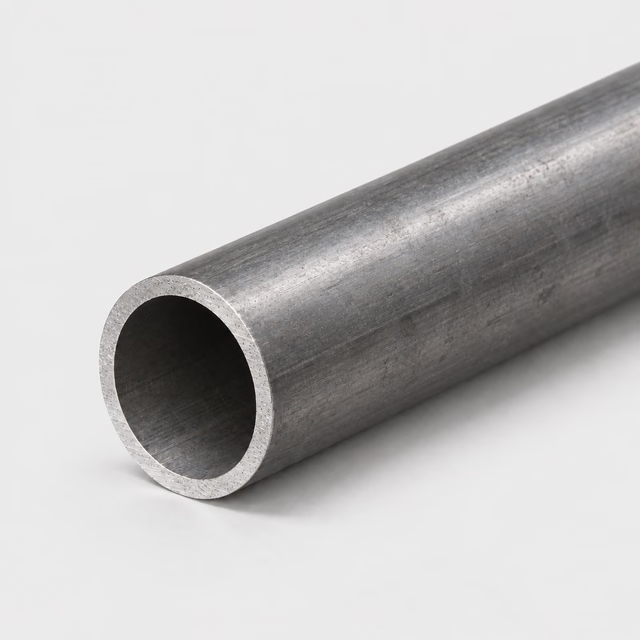
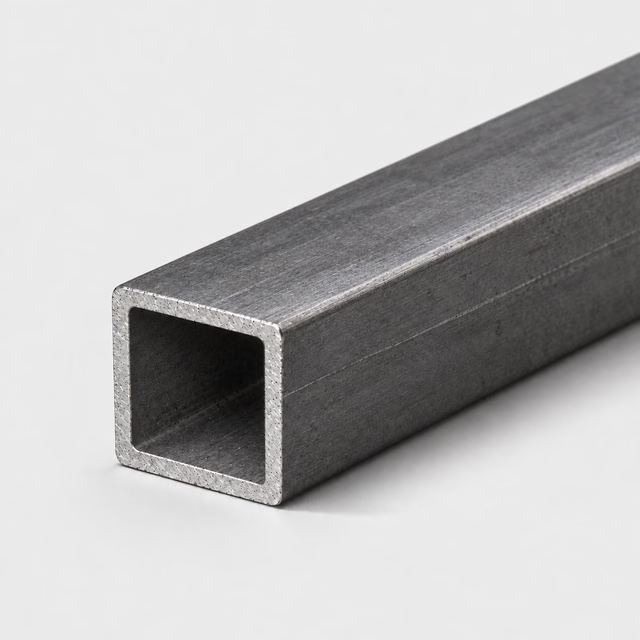
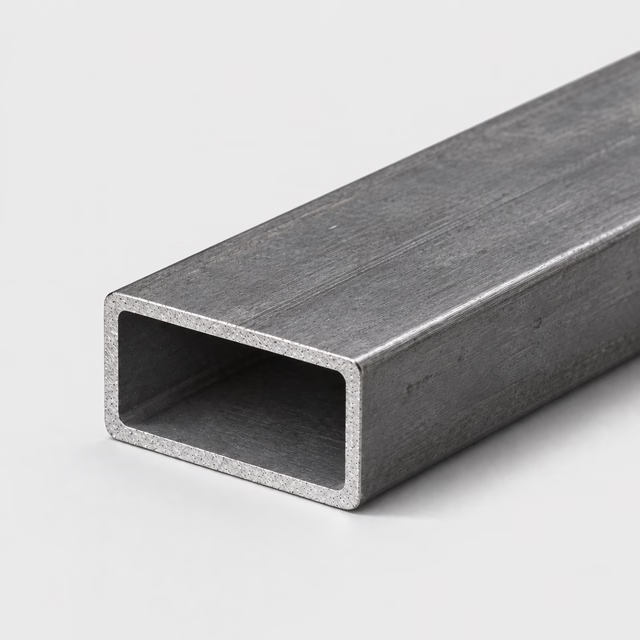
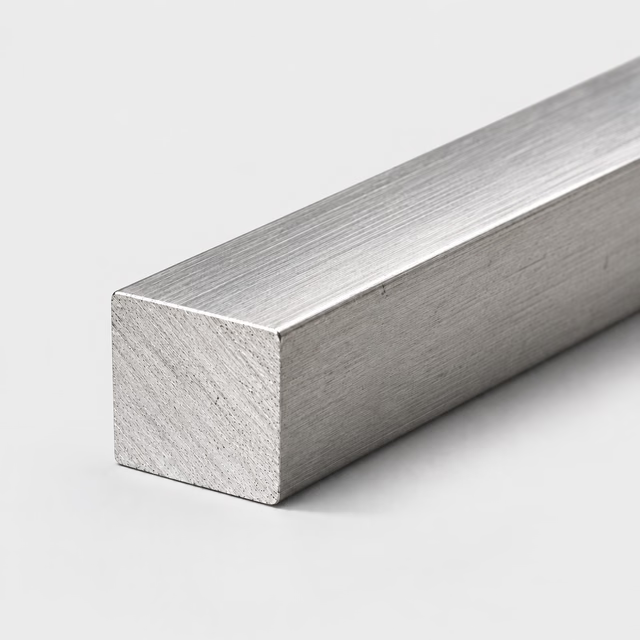
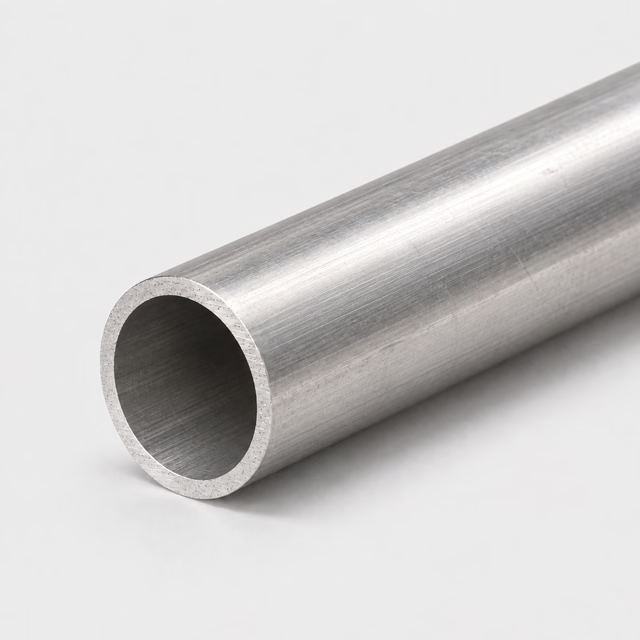
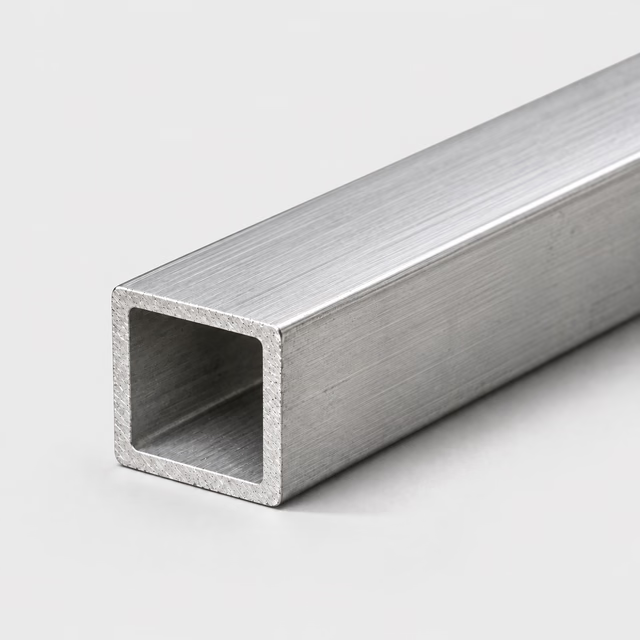
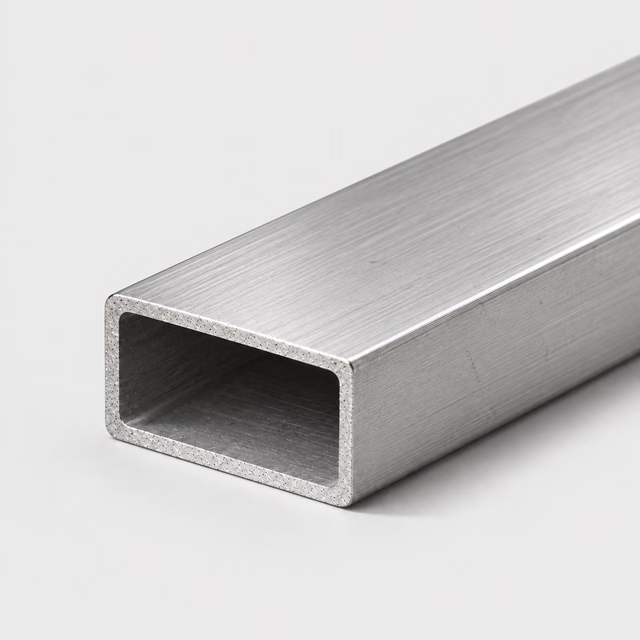
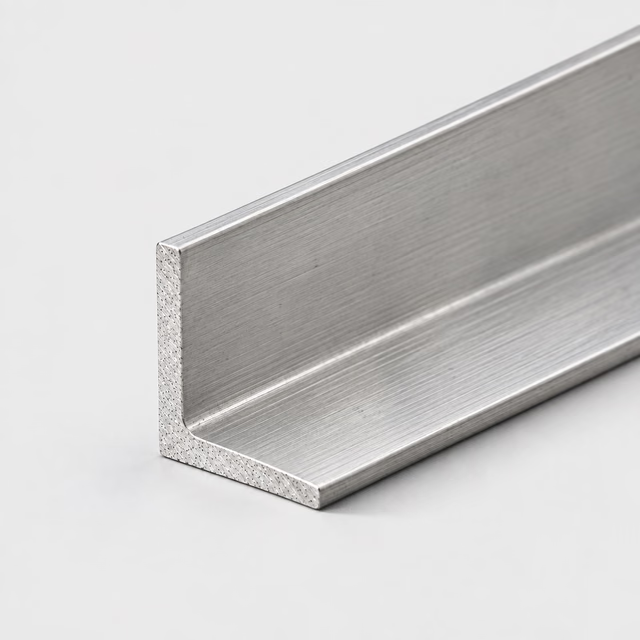
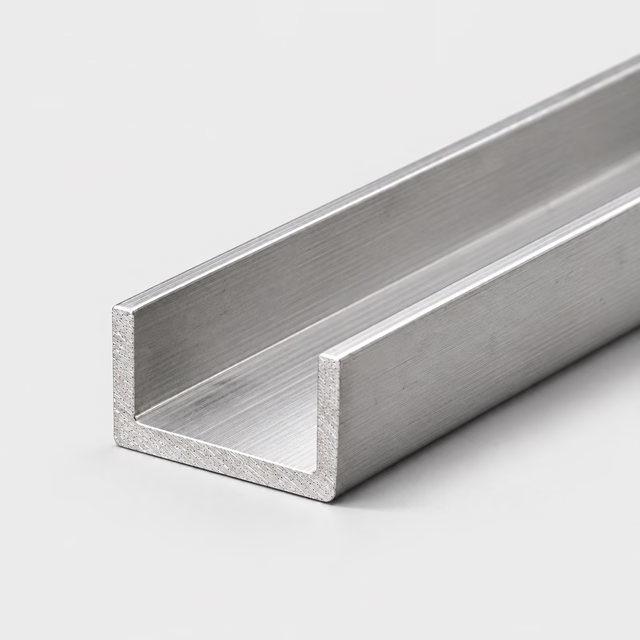
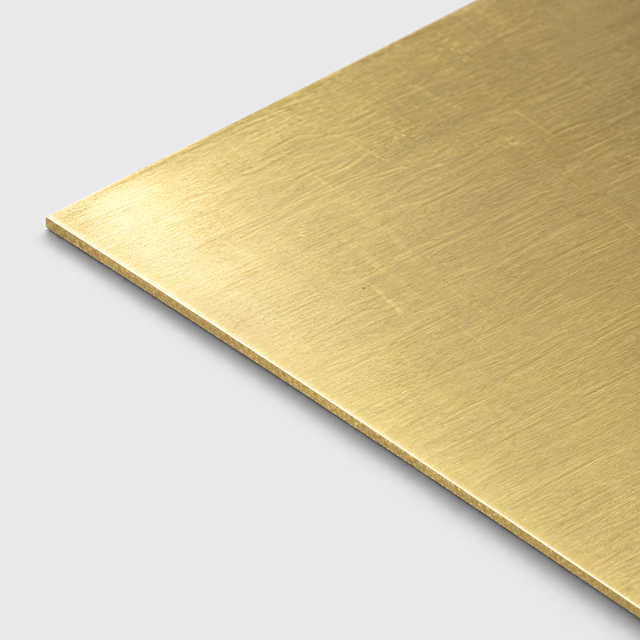
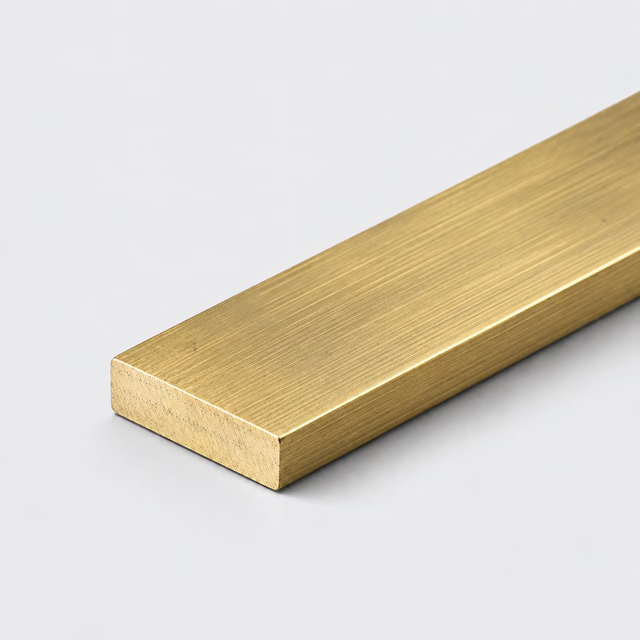
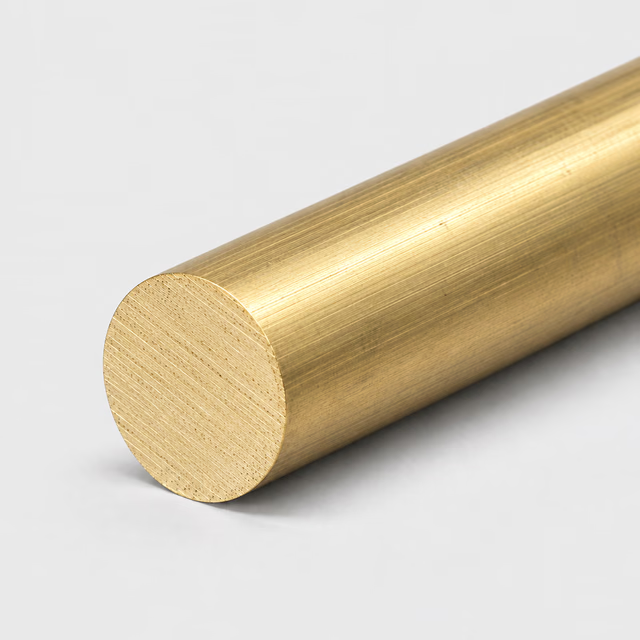
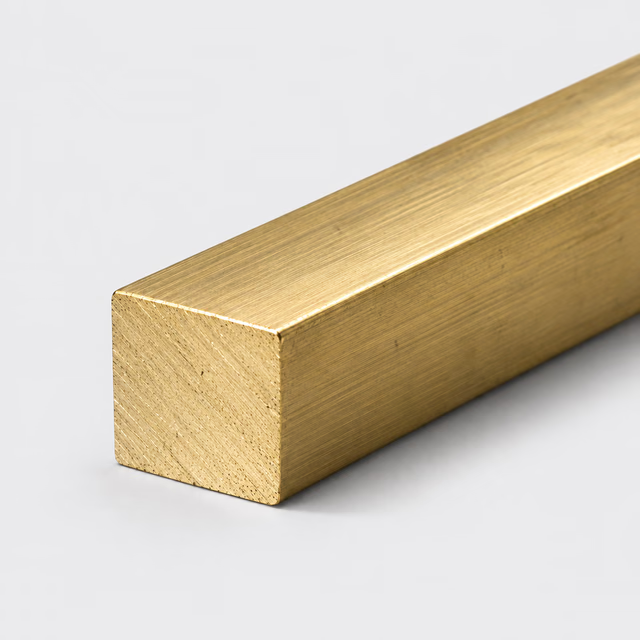
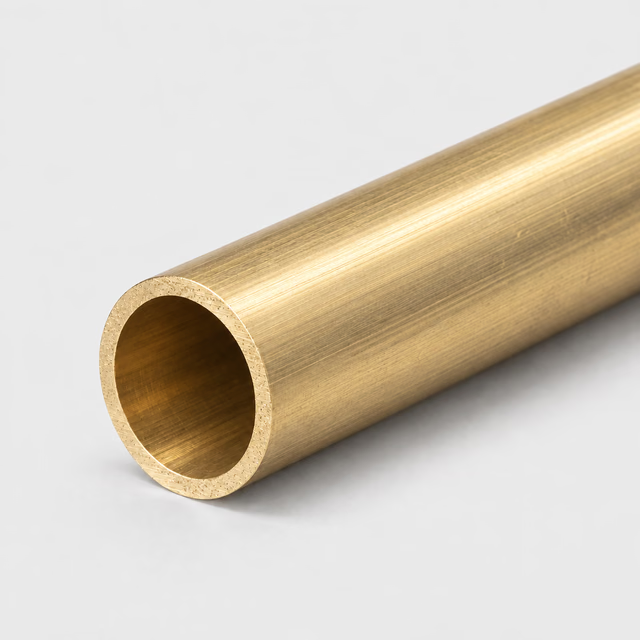
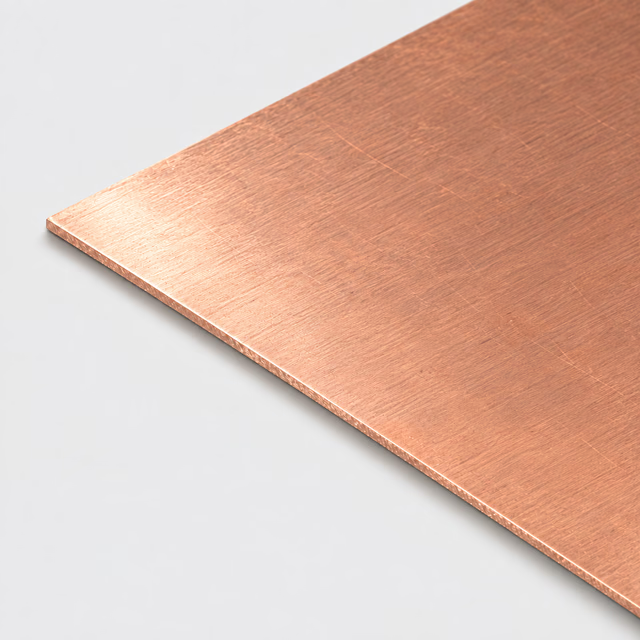
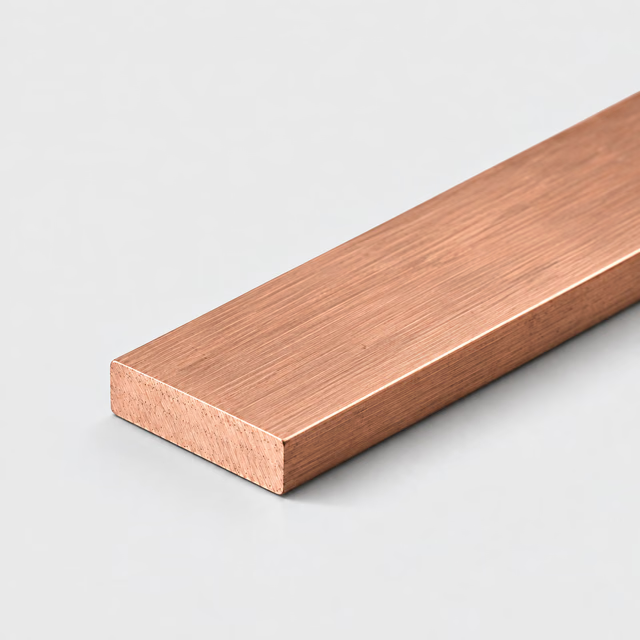
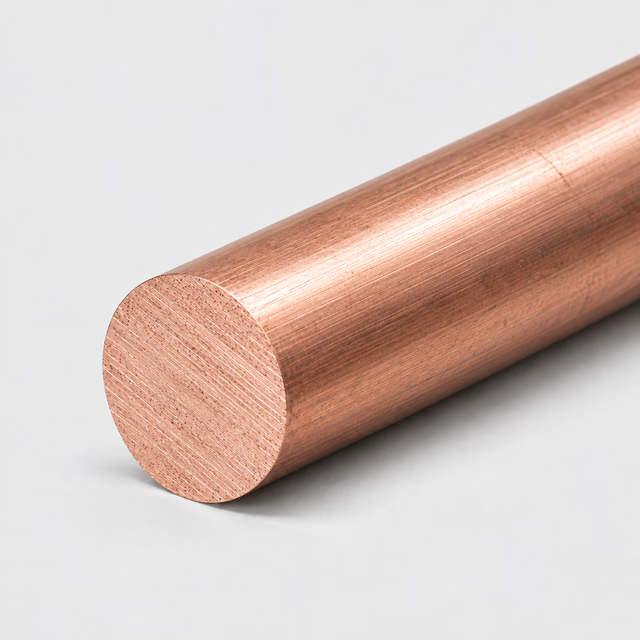
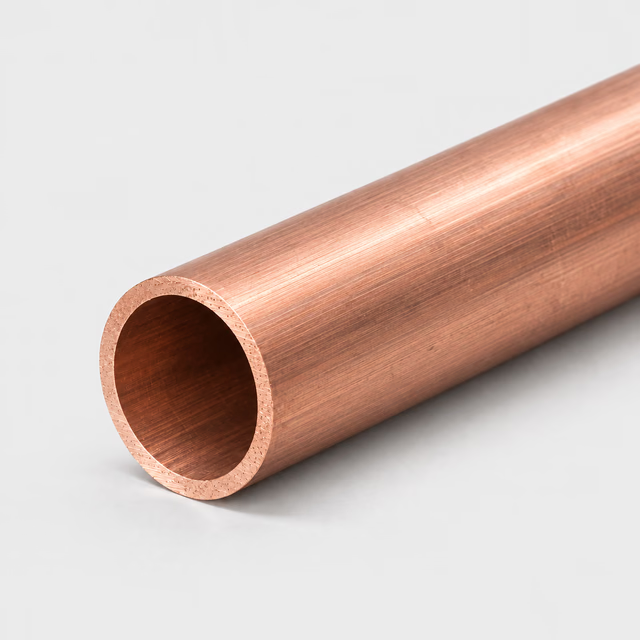
A shape describes the cross-section; an alloy describes the material. Browse ten profiles, compare their listed metals and learn how to specify each section for a reviewed quote.
This range describes material and profile combinations available to request. It does not represent live stock, confirmed grades, cutting capacity or delivery dates.
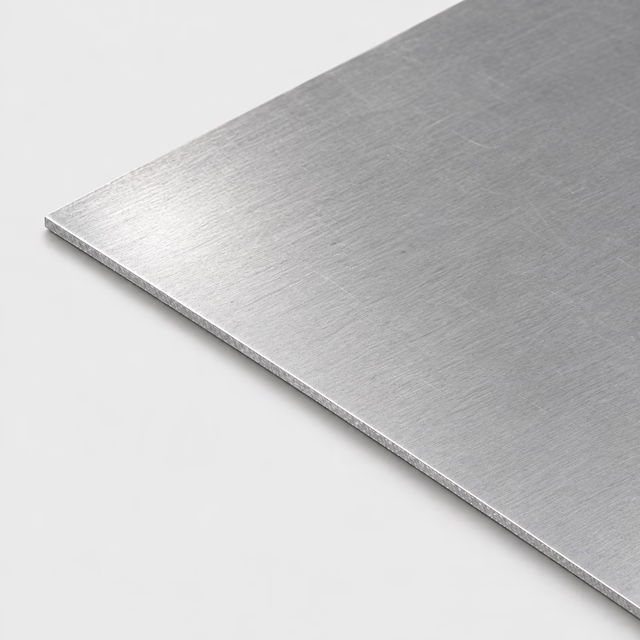
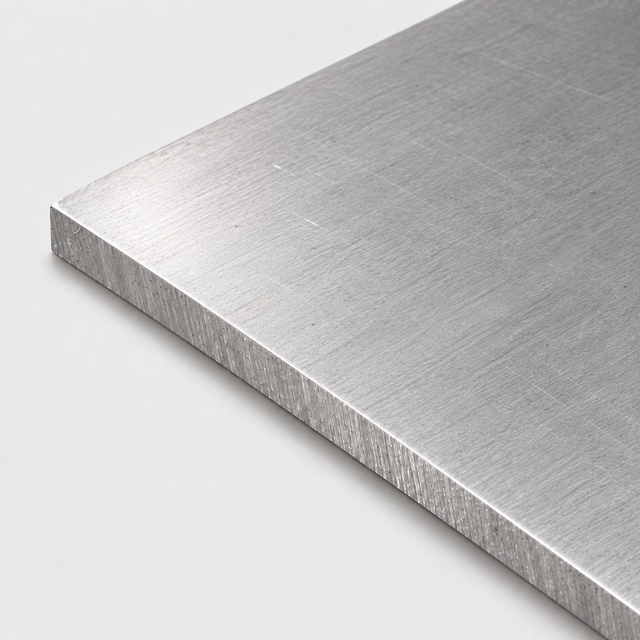
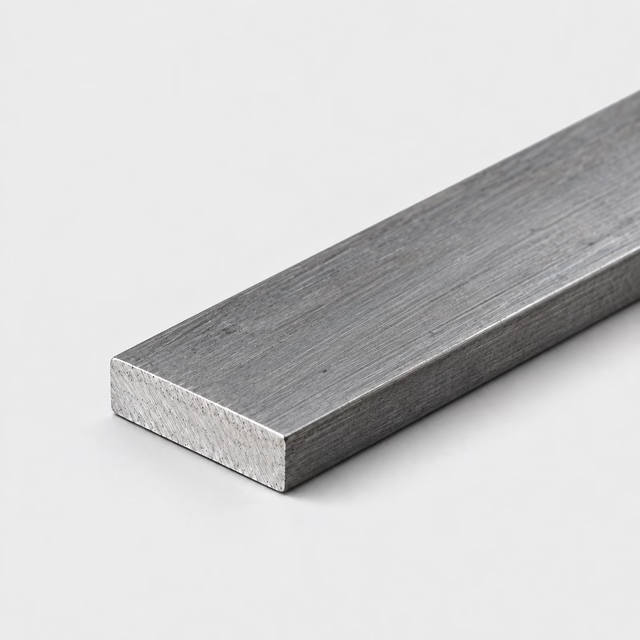
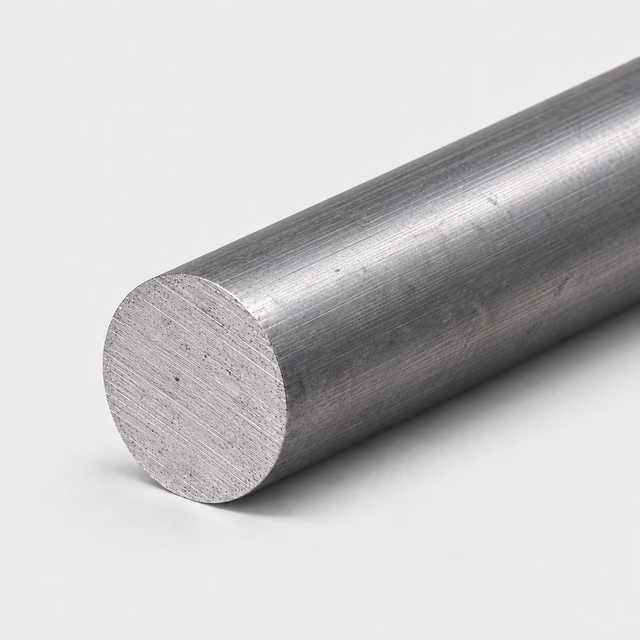
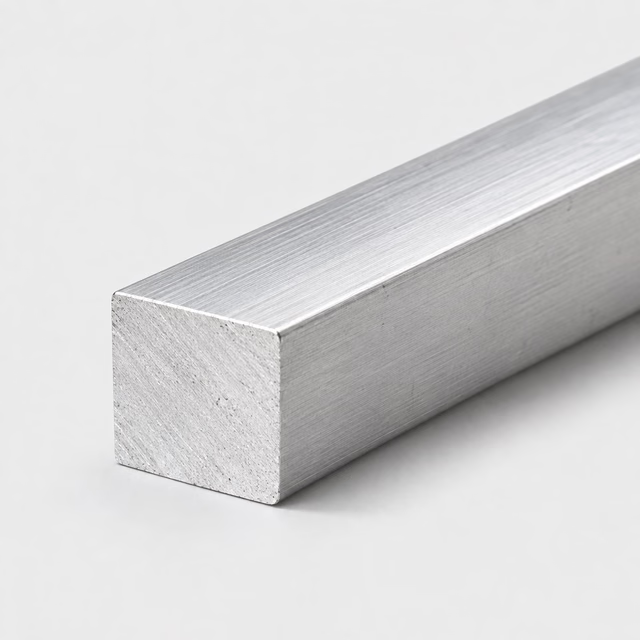
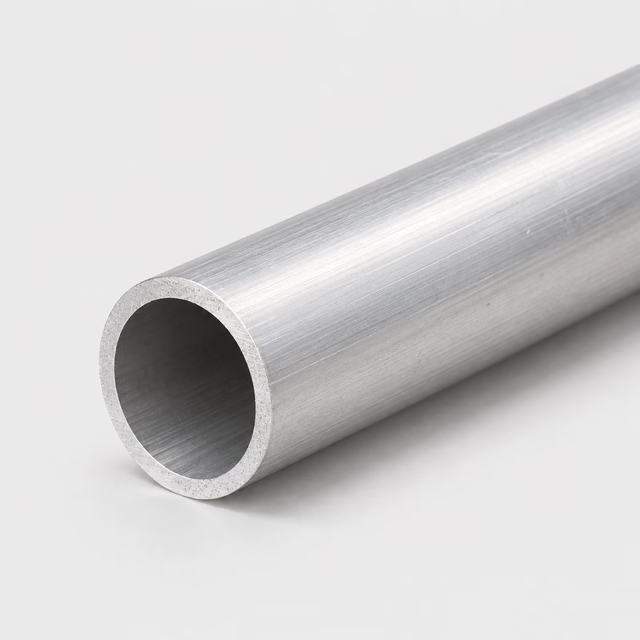
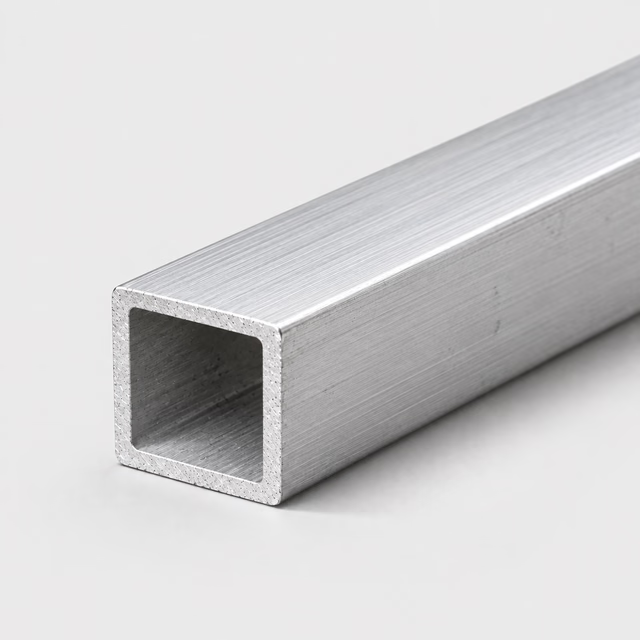
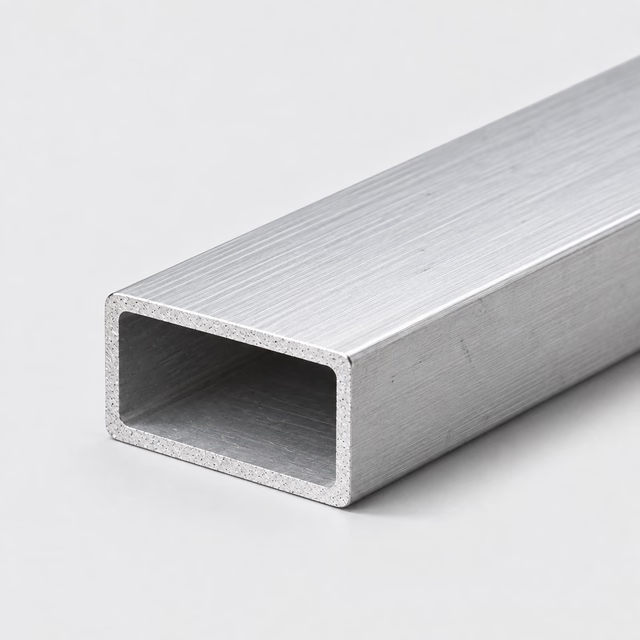
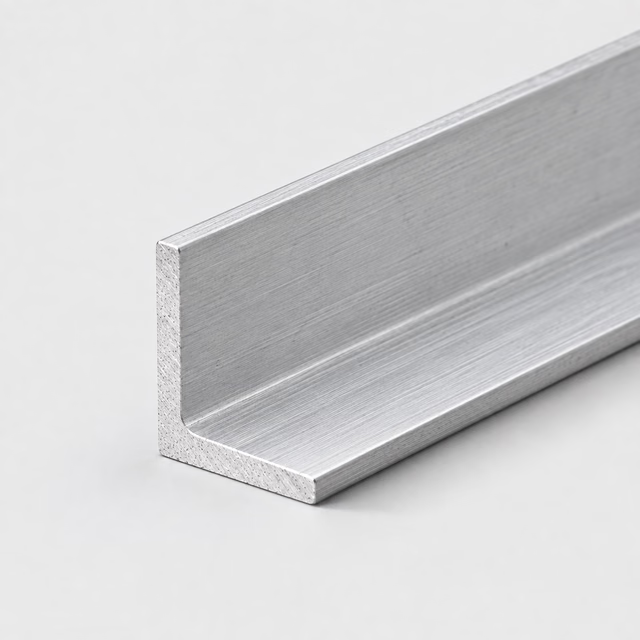
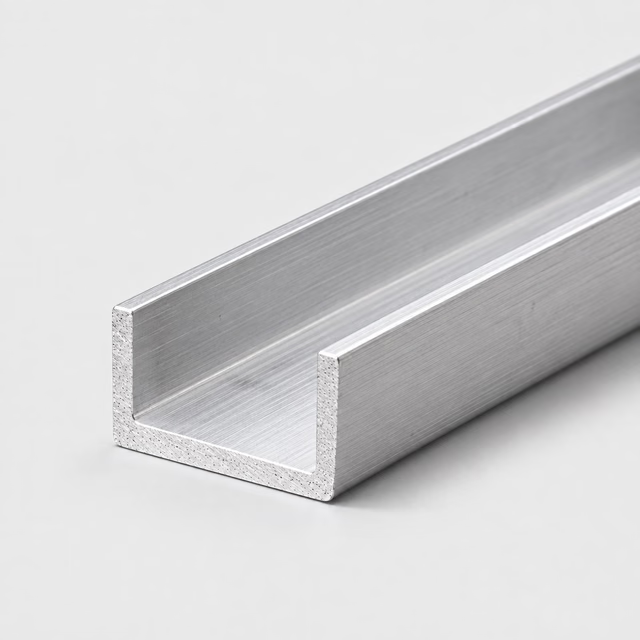
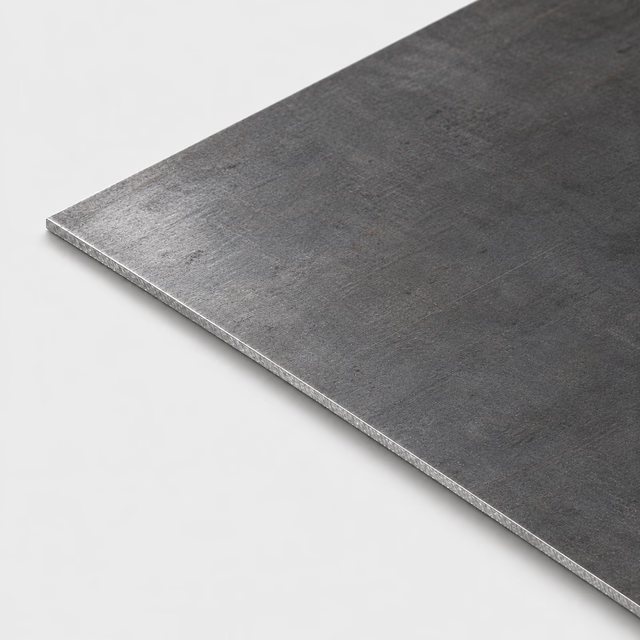
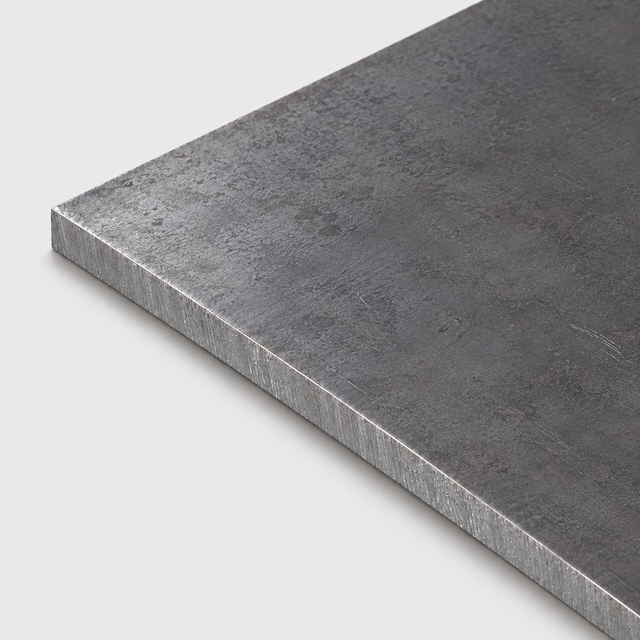
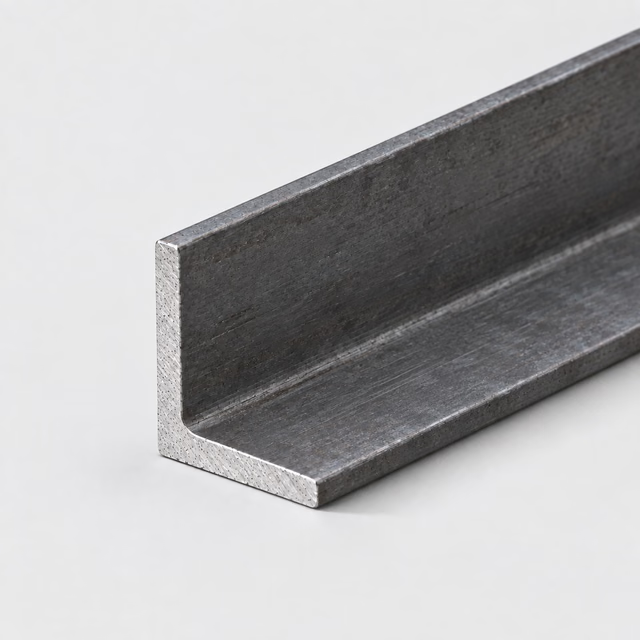
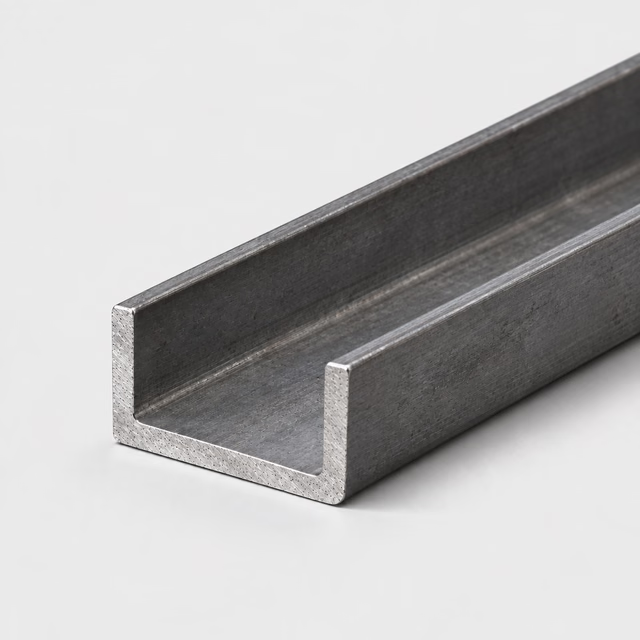
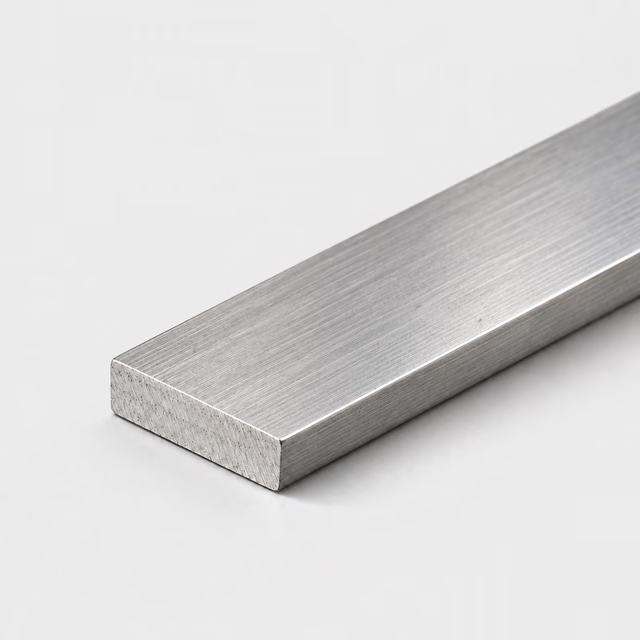
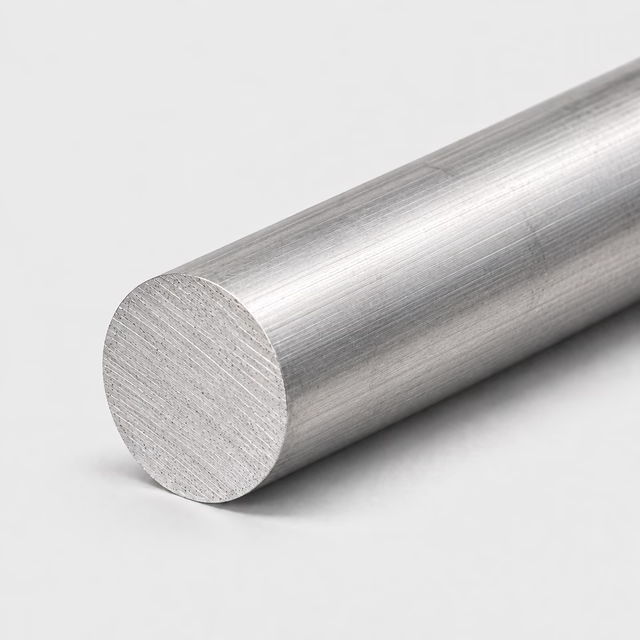
Sheet and plate begin with thickness and two face dimensions. Solid bars use a rectangular, round or square section. Tubes also need wall thickness. Angle and channel require the leg or flange geometry. Choose the closest family, then attach a section drawing if the standard fields cannot describe your part.
Use sheet or plate for flat blanks; distinguish raw dimensions from finished dimensions.
Use bar for solid stock and tube for hollow sections.
Identify outside dimensions on tube rather than relying on a nominal pipe size.
For angle or channel, include radii, flange details and orientation when fit matters.
01
Choose the section that describes the starting stock
Begin with the cross-section you need to receive, rather than the silhouette of the completed assembly. A hollow member belongs in a tube family; a solid machining blank belongs in bar, sheet or plate. Angle and channel describe open sections with their own fit details. If the finished part includes holes, pockets, bends or several joined pieces, keep those features on the drawing. The starting profile and the additional fabrication scope should remain separate decisions throughout the request.
02
The section controls where the material is
Solid bar places metal throughout its cross-section. Tube leaves an internal space, while angle and channel leave an open side or corner. Those differences change access for fasteners, room for inserts and the surfaces available for machining or attachment. They also mean that matching outside dimensions does not create interchangeable parts. A solid blank can be useful when features will be machined into it; an existing hollow or open profile may avoid removing material that the finished part never needs.
03
Understand what cutting changes
A cross-cut changes the length of a bar, tube, angle or channel; it does not redefine the section's width, wall thickness or corner geometry. Cutting a rectangle from sheet or plate establishes its outline but does not automatically finish its broad faces. This distinction explains why a cut-to-size order still needs separate requirements for a precision face, a close-fitting bore or a prepared edge. Choose the stock form first, then decide which additional surfaces need work for the application.
Compare starting geometry
Compare starting geometry
Profile group
What the geometry offers
Where the tradeoff appears
Sheet or plate
A broad flat blank with thickness separate from its outline
Forming or machining is still needed for three-dimensional features
Solid bar
Material throughout the section for machining or direct use
Unused interior material may need removal
Tube
An existing hollow section
Interior fit, wall geometry and access become separate requirements
Angle or channel
Open faces and corners for attachment or access
Installed orientation and mating geometry matter
FROM A PROJECT IDEA TO A CUT LIST
Example: three clearly specified cut lines
Separate profiles and sizes into their own lines. These illustrative blanks show how to organize a request; the dimensions and quantities do not describe a tested assembly or confirmed stock.
Each line identifies a family, describes the requested section and keeps quantity separate from length. Add your part names, drawing references, alloy and condition requirements, plus any critical finish or tolerance. For example, a brushed visible panel and a hidden mounting bar need different finish notes even if they belong to the same project.
If several pieces are to be cut from one stock length, the sum of finished lengths is only the starting point: cutting loss and end preparation also take material. List the finished pieces you need and have the cutting plan checked instead of assuming that equal total lengths produce the same yield.
No. Bar is solid in this catalog; tube is hollow. The same outside size does not mean the same weight, stiffness or connection details.
Can I specify any section size?
The configurator records the section you want reviewed. It does not prove that a mill produces that section, that stock is available or that a custom extrusion is included.
Do the profile images show exact dimensions?
No. Product photographs are illustrative and the technical preview is schematic. Use the dimension fields and an attached drawing to define the requested section.
What does kerf mean when planning cut pieces?
Kerf is the width of material removed by a cut. It matters when checking how many pieces can come from a stock length or sheet. The kerf belongs in the cutting plan; the requested part dimensions should still describe the pieces you want to receive.
Can the section name replace an end-view drawing?
An end view is useful whenever radii, unequal dimensions, tapered features or a mating opening affect the part. The section name identifies the family, but the drawing shows which details matter. Label the dimensions consistently with your cut list to avoid competing interpretations.
Are deburring and chamfering the same operation?
Deburring removes unwanted raised edges or fragments left by cutting or machining. A chamfer is an intentional angled edge feature. A request to remove burrs does not define a particular chamfer size or angle, so a chamfer that affects fit or appearance needs its own drawing callout.
How can I evaluate a nearby standard section?
Compare the proposed section against the full assembly, including external envelope, internal space, connections and any finishing allowance. Record the differences from the original request. The person responsible for the design should decide whether those changes are acceptable before the alternative becomes the specification.
What is a nominal size?
A nominal size is a naming reference and does not always state every actual dimension of a product. Its meaning depends on the product system. For a cut list, use labeled physical dimensions and the relevant specification instead of assuming a familiar size name fully defines the section.
Turn your specification into a clear request.
Include the material, dimensions, quantity and critical requirements. Availability, supplied condition, cutting and delivery are confirmed in a reviewed quote.